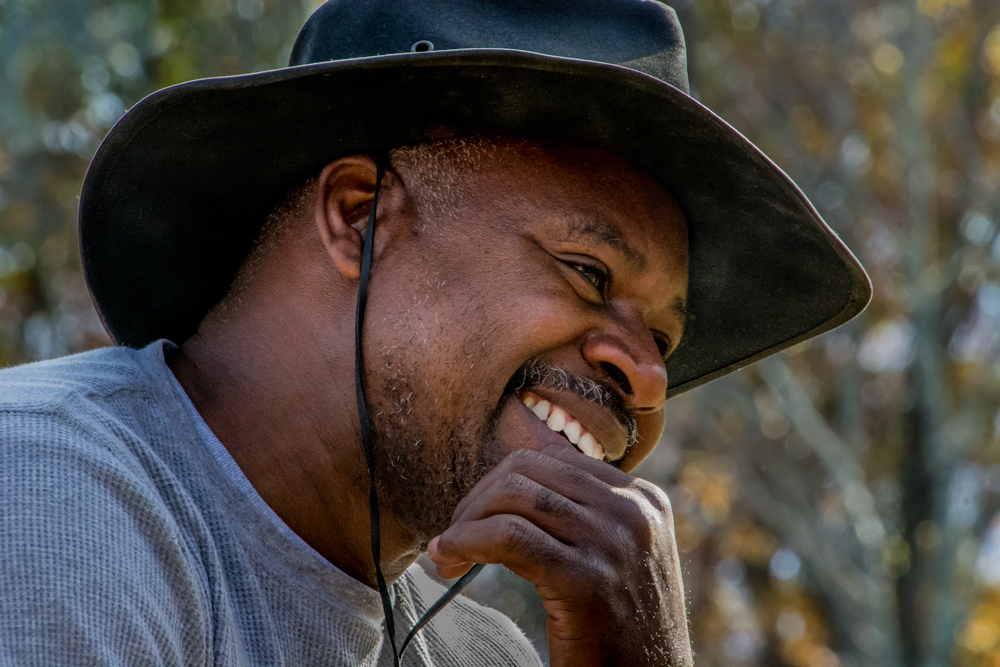
Early on in my exploration of photography I sat through a lecture by a blind photographer. Sort of sounds like an oxymoron doesn't it. The thing is he wasn't always blind. Blindness struck him fairly late in life. If I had to guess I'd say it was probably a result of diabetes. Otto Litzel was pushing seventy by the time I went to a daylong seminar on different aspects of photography. He was one of the featured speakers and had a couple of books out at the time. His friend, who served as his chauffeur for the day, sold the books in the lobby between speakers. Book sales were Otto's primary income source by then. He occasionally sold a print, but with no new work coming out sales were pretty rare. He was a gifted speaker, creating images with his stories as well as he had with a camera. It was obvious he had given this lectures many times. The sequence memorized and he didn't skip a beat with each slide transition. Otto's anecdotal stories of the how, where and why of each shot had the audience members laughing for his entire time. The modern equivalent would be Joe McNally. Book sales were brisk and I found myself in line to buy one called "Darkroom Magic". At some point I lost my signed copy, but a couple years ago I saw it on EBay for a couple of bucks and bought it. Why did I buy a book about wet darkroom techniques in the age of the digital darkroom? There's a couple of reasons. Nostalgia for one. The fact that the techniques demonstrated in the book are now considered to be manipulation only available due to the invention of Photoshop. Many people I run into feel any sort of "tampering" with the reality of "the negative" is cheating somehow. The second thing invented for photography, right after the camera, was some method of changing what the image looked like when it was shot. To find out about today's image (what it is for one thing) and how it would have been done in the wet darkroom, hit the "read more".Read more!